 Perfumers Vault 2
Formulation app for perfumers
Formulas, materials and batches, kept on your own iPhone, iPad or Android device. Hobbyist mode is free; Professional adds IFRA compliance, batch making, exports and PV AI.
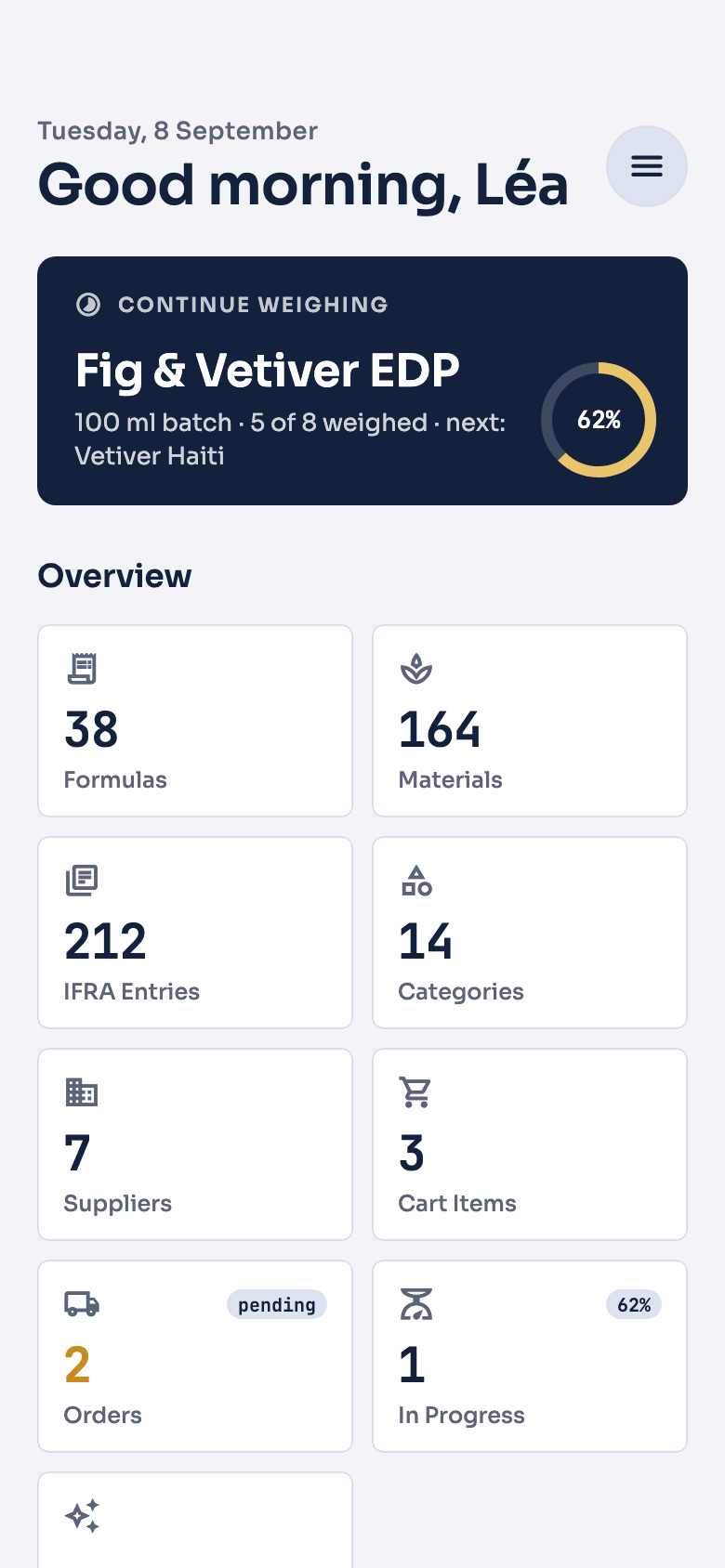
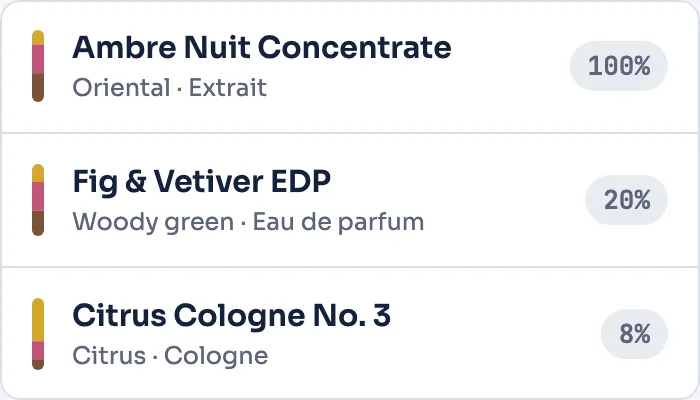
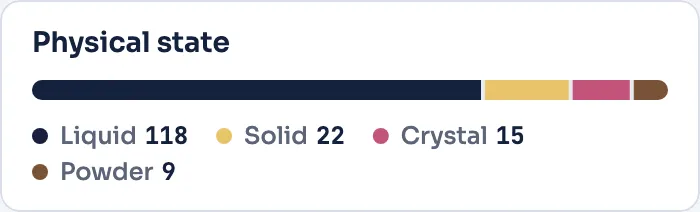
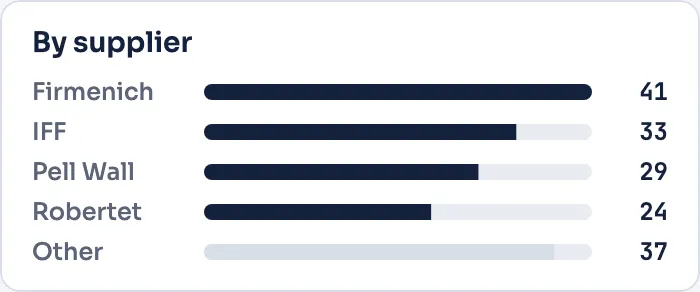
An app that keeps your work on your device
- Uploads none of your formulas on its own
- Your formulas, materials, suppliers and batches live on your device. Nothing is uploaded on its own, and we keep a copy only of what you share with another PV user, what you publish to the marketplace, the short notes PV AI saves from your chats, and a short excerpt of any PV AI request or marketplace listing that our safety checks block.
- Keeps working offline
- Without a connection a banner says so, and options that need the internet are greyed out and tell you why. Your formulas, materials and batches keep working.
- Backs up to your own iCloud (iPhone, iPad and Mac)
- On iPhone, iPad and Mac, back up to your own iCloud and restore on another device. Manual — nothing syncs on its own.
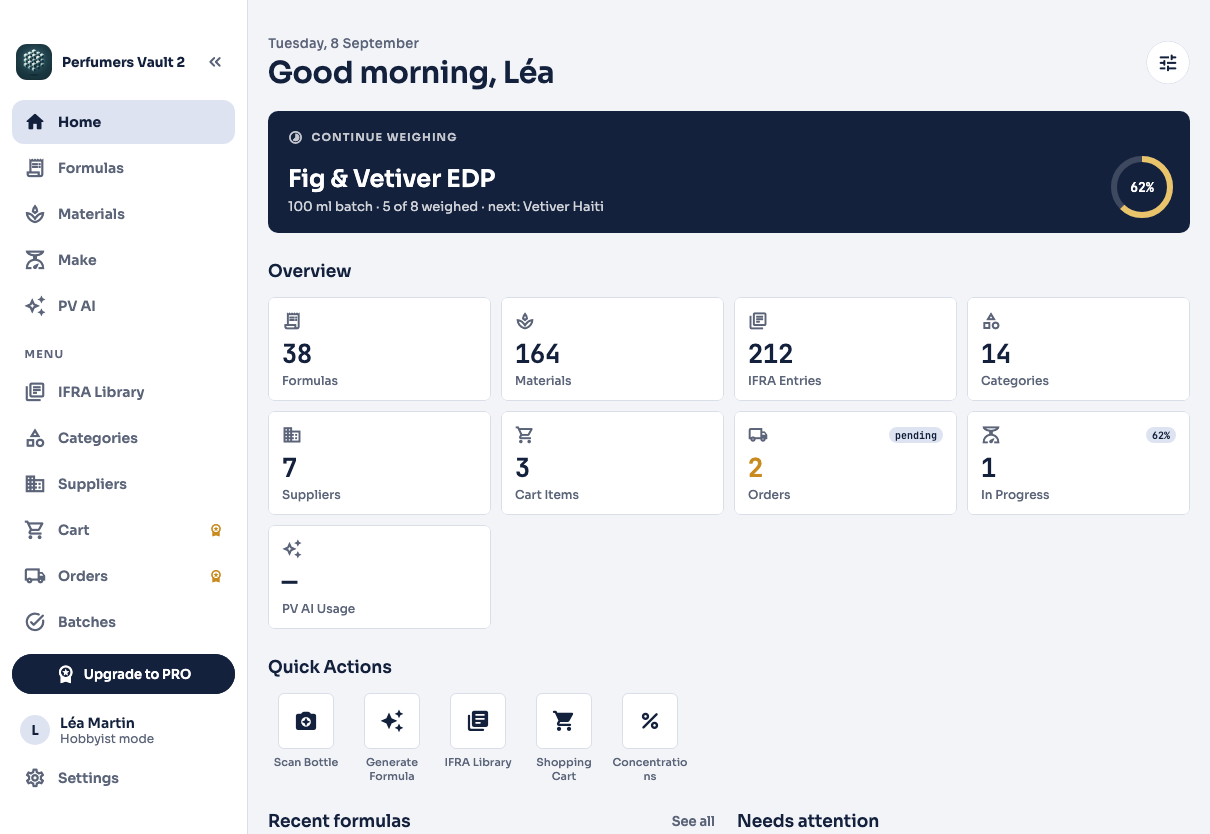
Three steps from formula to finished batch
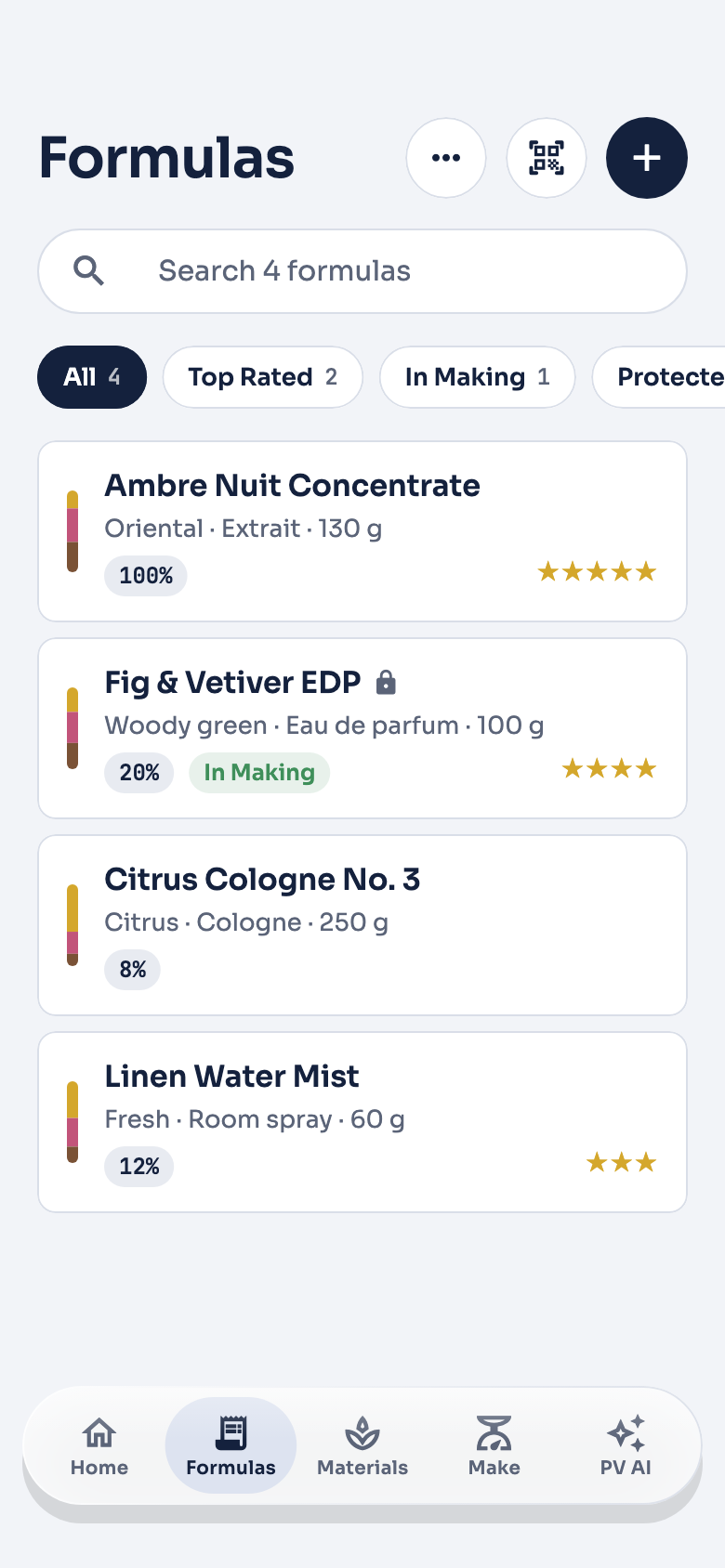
1. Build a formula by note
Organise a formula by top, heart, base or solvent for clearer composition and easier adjustment. Available in both modes.
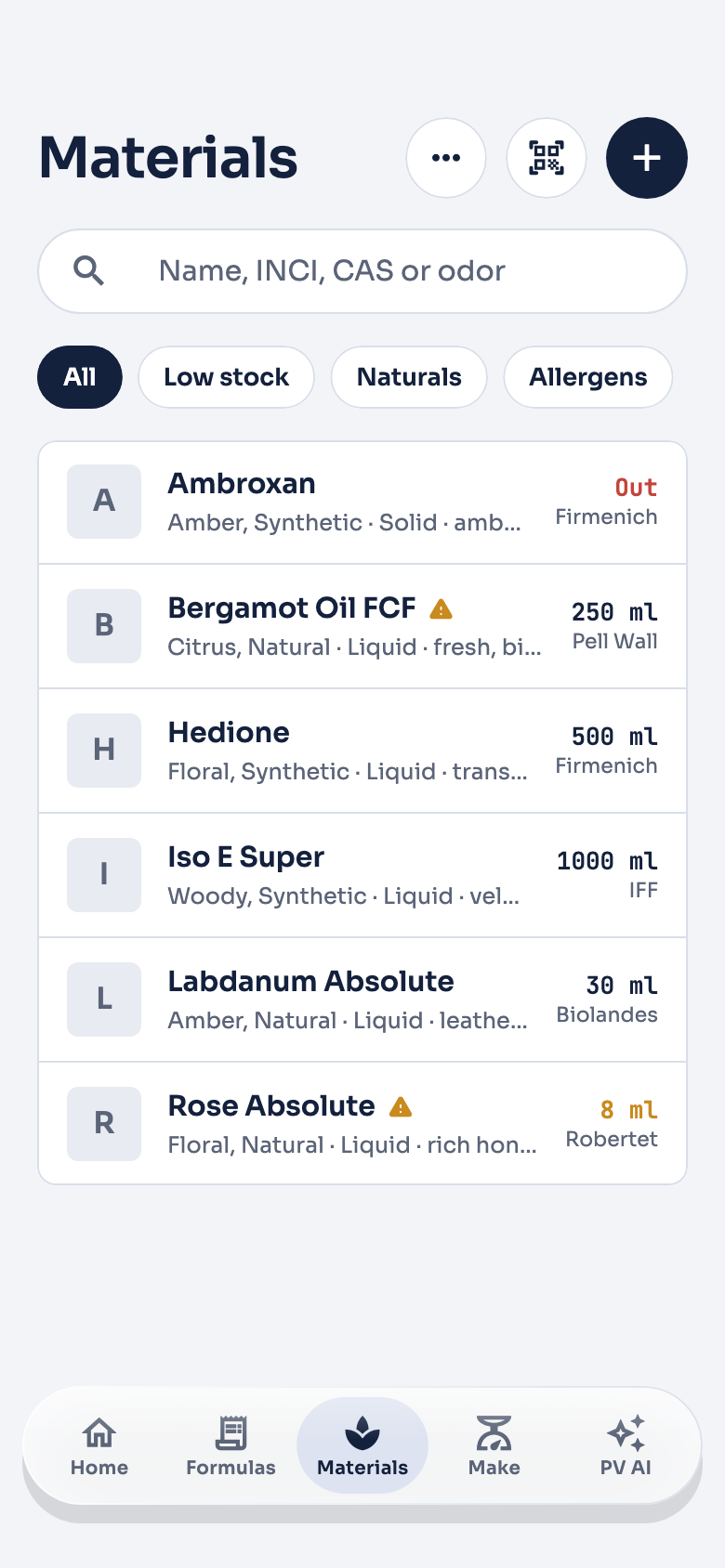
2. Find any material
One field searches a material's name, odour, INCI, CAS number and categories, so you can find it by whichever detail you remember. Low stock, naturals and allergens are a tap away, with stock and supplier on every row.
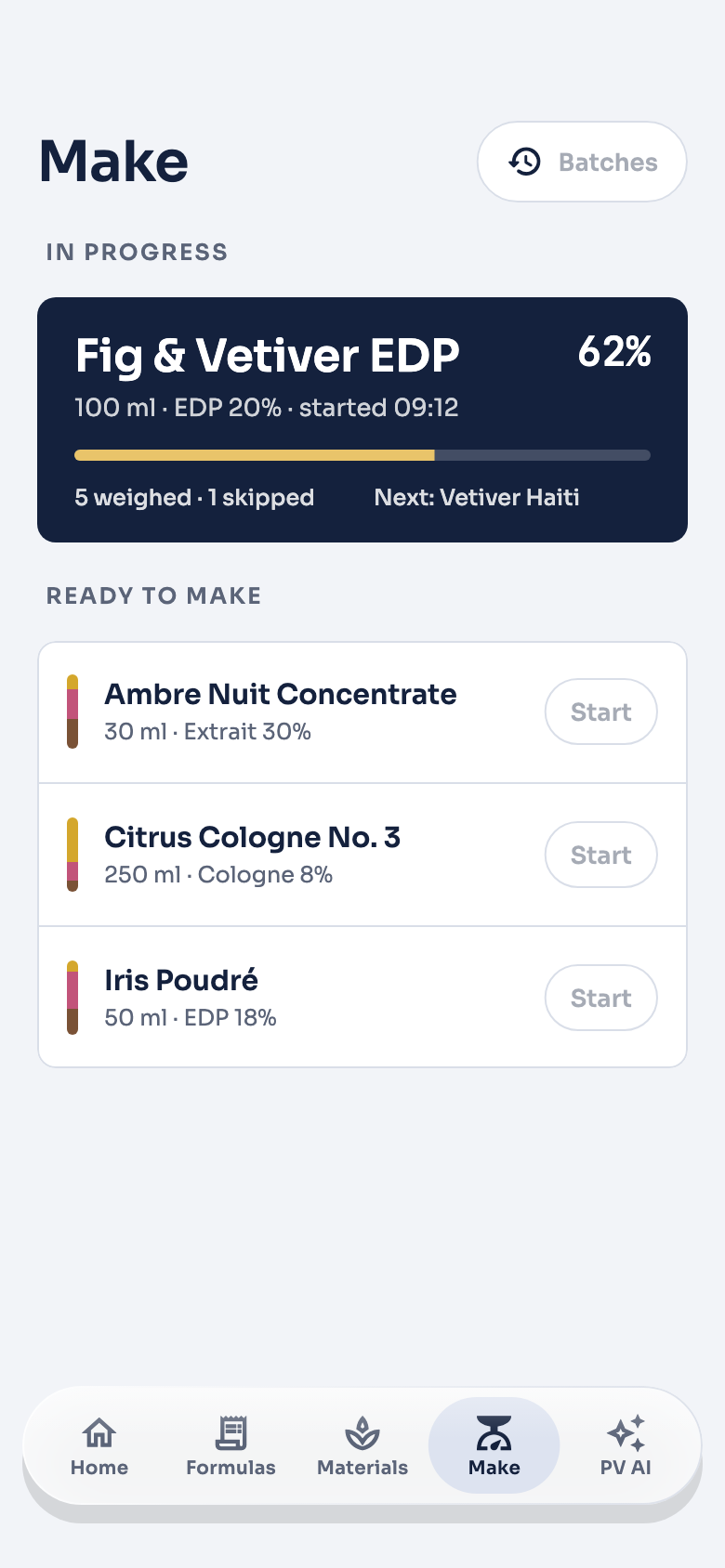
3. Weigh a batch
PRO A large target, a number pad and tolerance colours, so you can work at the scale rather than at the screen. Finishing a batch keeps it as a record. Stock comes off only when you tick Deduct from supplier stock for an ingredient as you make the batch.
IFRA checks and batch documents in one app
PRO The IFRA library and everything in this list are part of Professional mode.
- Checks a whole formula
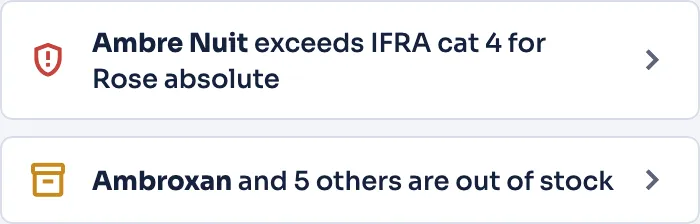
- Check a whole formula against the IFRA standards in your library, category by category. Each result reads compliant, non-compliant or not assessed: a material that cannot be identified (no valid CAS number and no match in your library) is not assessed rather than passing, and one used on several lines is added up before its limit applies.
- Compliant
- Non-compliant
- Not assessed
- Assembles the batch paperwork
- The app assembles the paperwork from the data you entered — it does not verify or certify anything.
- Manufacturing record
- Raw-material traceability matrix
- EU allergen declaration
- IFRA certificate
- Declaration of conformity
- GPSR technical documentation
- Box labels
- Draft CLP/GHS hazard information
PV AI, built into the app
BETAPROPV AI is built into the app and included with a Professional subscription. There is no API key to buy, no separate Google bill and nothing to set up.
- 01Your request
- 02Our Firebase backend
- 03Google Cloud Vertex AI, in the United States
The answer comes back the same way
- Ask and analyse
- Chat about materials and technique, or hand PV AI the formula you are working on for an advisory read on structure, balance and substitutions.
- Generate a starting point
- Describe what you are after, or point at a formula you like, and get a draft to edit — never a finished product.
- Bottle Scanner
- Photograph a bottle and PV AI has a go at identifying the perfume and its reported notes.
- AI formula import
- Pull a formula out of a PDF, a web page or pasted text, then check and save it.
PV AI is in beta. It can get things wrong. Check anything you rely on yourself — especially IFRA limits and safety data. Read how PV AI handles your data
What PV AI needs. A free Perfumers Vault account — Sign in with Apple or Google — plus an agreement to the AI privacy terms, which you can withdraw and give again at any time, and an active Professional subscription.
Hobbyist and Professional plans
Pick Hobbyist and pay nothing, or subscribe to Professional. You can switch later.
- FREE
Hobbyist
Formulas, your own material and category records, iCloud backup and restore on iPhone, iPad and Mac, and a full database backup file. No account, no payment, no time limit.
- SUBSCRIPTION
Professional
Everything in Hobbyist, plus the IFRA library and compliance analysis, formula scaling, formula comparison, batch making and completed batches, suppliers, shopping cart and order tracking, PDF/JSON/CSV export, QR codes, the compliance document package, the biometric app lock, PV AI, and the formula marketplace (with an account).

Monthly and yearly plans are available, and they unlock identical features. Prices and any free trial are set per store and per country, so the subscribe screen in the app shows exactly what you will pay and which offer applies to you before you confirm anything. Subscriptions renew automatically at the end of each period unless you cancel at least 24 hours before it ends, and a free trial you do not cancel becomes a paid subscription at the price shown. Manage or cancel in your App Store or Google Play account, or from inside the app.
Compare the two modes